Web Development
Why Is Your Website Slow? It's Almost Always These 3 Things
No, you don't need a rewrite. Most slow pages share the same three problems: oversized images, fonts that block the text, and way too much JavaScript. Here is how I fix them.
Performance work has a reputation for being complex, but most slow pages are slow for the same few reasons: images that are too large, fonts that block rendering, and more JavaScript than the page needs. Fixing those covers a surprising share of the gains.
Treat images as the biggest budget item
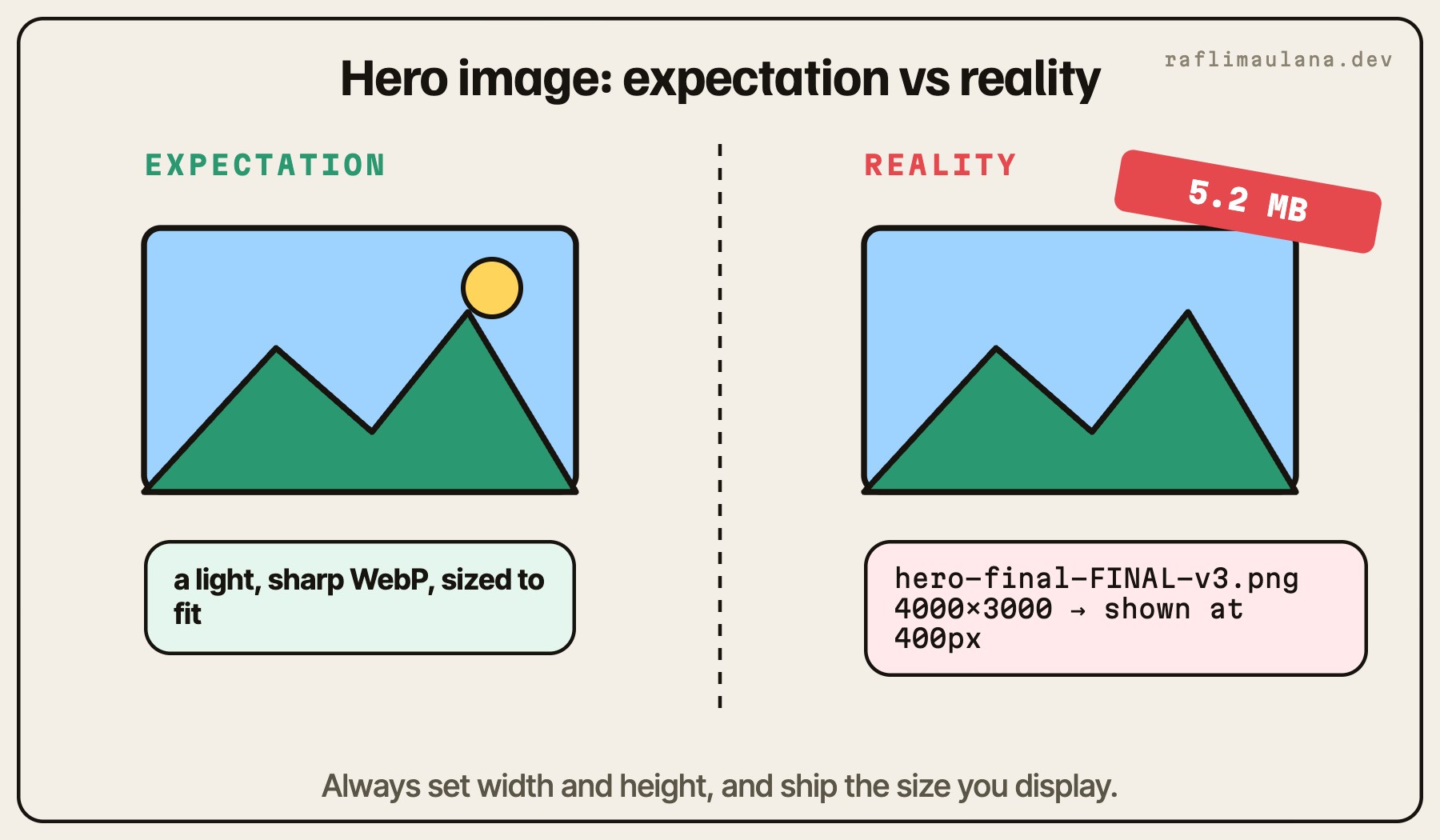
Images are usually the heaviest part of a page and often the Largest Contentful Paint element.
Serve modern formats like WebP or AVIF, sized for how they are displayed.
Always set
widthandheightso the browser reserves space and avoids layout shift.Lazy load images below the fold with
loading="lazy", but never the hero image.Give the main hero image a high fetch priority so it starts loading early.
Load fonts without blocking the page
Custom fonts make a brand feel right, but they can delay text from appearing.
Self-host fonts and subset them to the characters you use.
Use
font-display: swapso text renders immediately with a fallback.Limit weights. Each weight is another file.
Ship less JavaScript
JavaScript is expensive because it has to be downloaded, parsed, and executed before the page can respond.
Render content as HTML on the server whenever possible.
Load heavy features, such as 3D scenes, charts, or editors, only when they are needed.
Check the bundle after adding a dependency. A small feature should not double the payload.
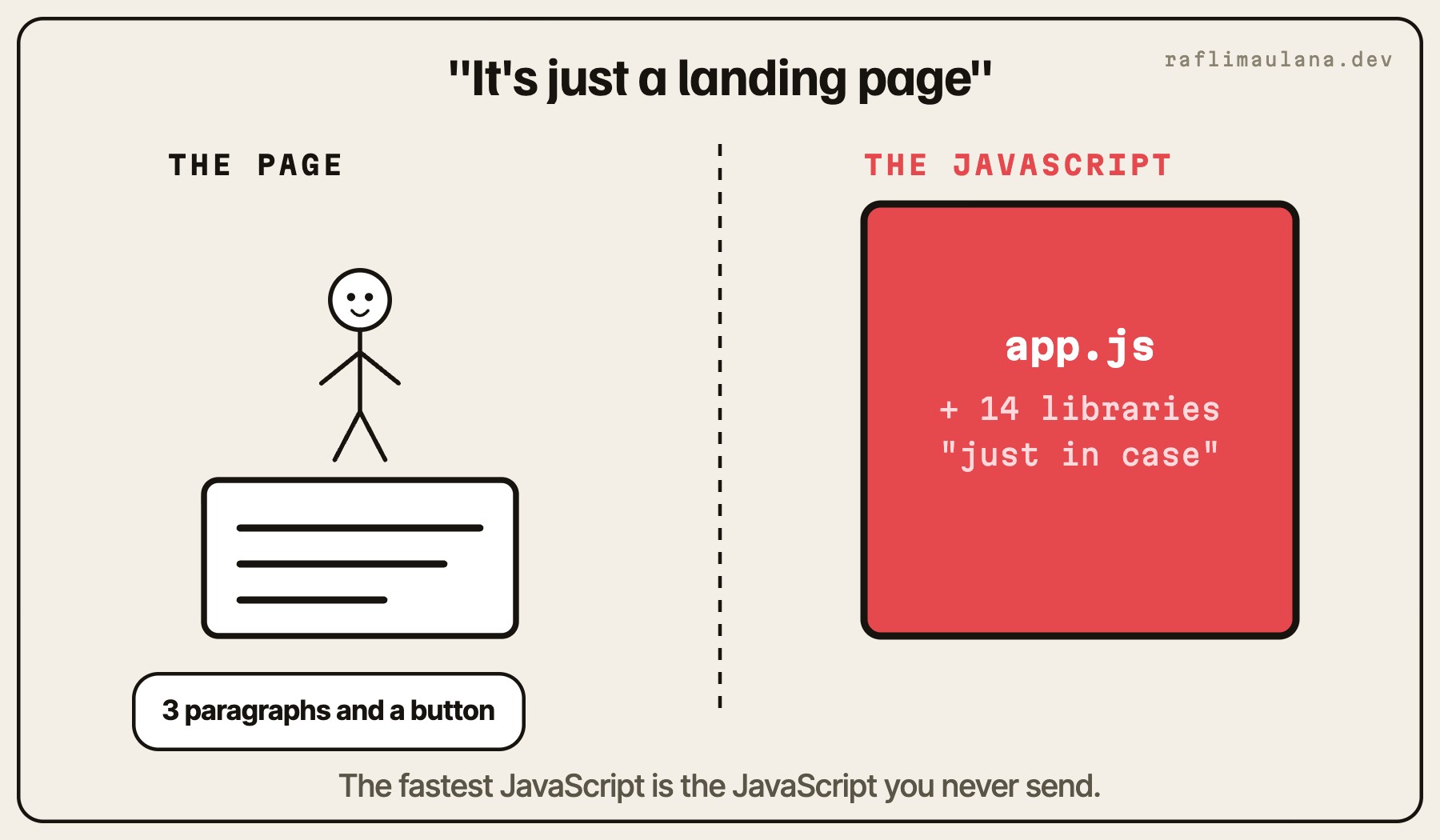
The fastest JavaScript is the JavaScript you never send.
Measure the right things
Core Web Vitals give a practical target:
LCP for how fast the main content appears.
CLS for how stable the layout stays while loading.
INP for how quickly the page responds to input.
Lab tools like Lighthouse are great for catching regressions during development. Real-user data from Google Search Console shows what visitors actually experience.
Make it a habit, not a project
Performance rarely fails in one big decision. It erodes through many small ones. Reviewing image sizes, font loading, and bundle size as part of every feature keeps a site fast without ever needing a rescue project.
Related articles
- Web DevelopmentTry Using Your Website With Only a Keyboard. I Dare You.Press Tab and watch what happens: invisible focus, menus you cannot close, buttons you cannot reach. A practical checklist for the things most front-end developers never test.
- Artificial Intelligence (AI)I Let AI Agents Write My Code. Here's Why It Didn't Turn Into a MessAn AI agent writes a first draft in minutes. Whether that becomes a speed-up or a mess depends on the workflow around it: a plan, the right context, structured prompts, and a real review.